
How to update your resume, step by step
To update your resume, start from the version you have, not a blank page. Add your latest job and achievements, fix the dates, swap an old objective for a short summary, cut or shorten jobs from more than 10 to 15 years ago, refresh your skills and contact details, and put it on a clean, current layout.
Importing, editing and downloading are free. Downloading the PDF needs a free account.
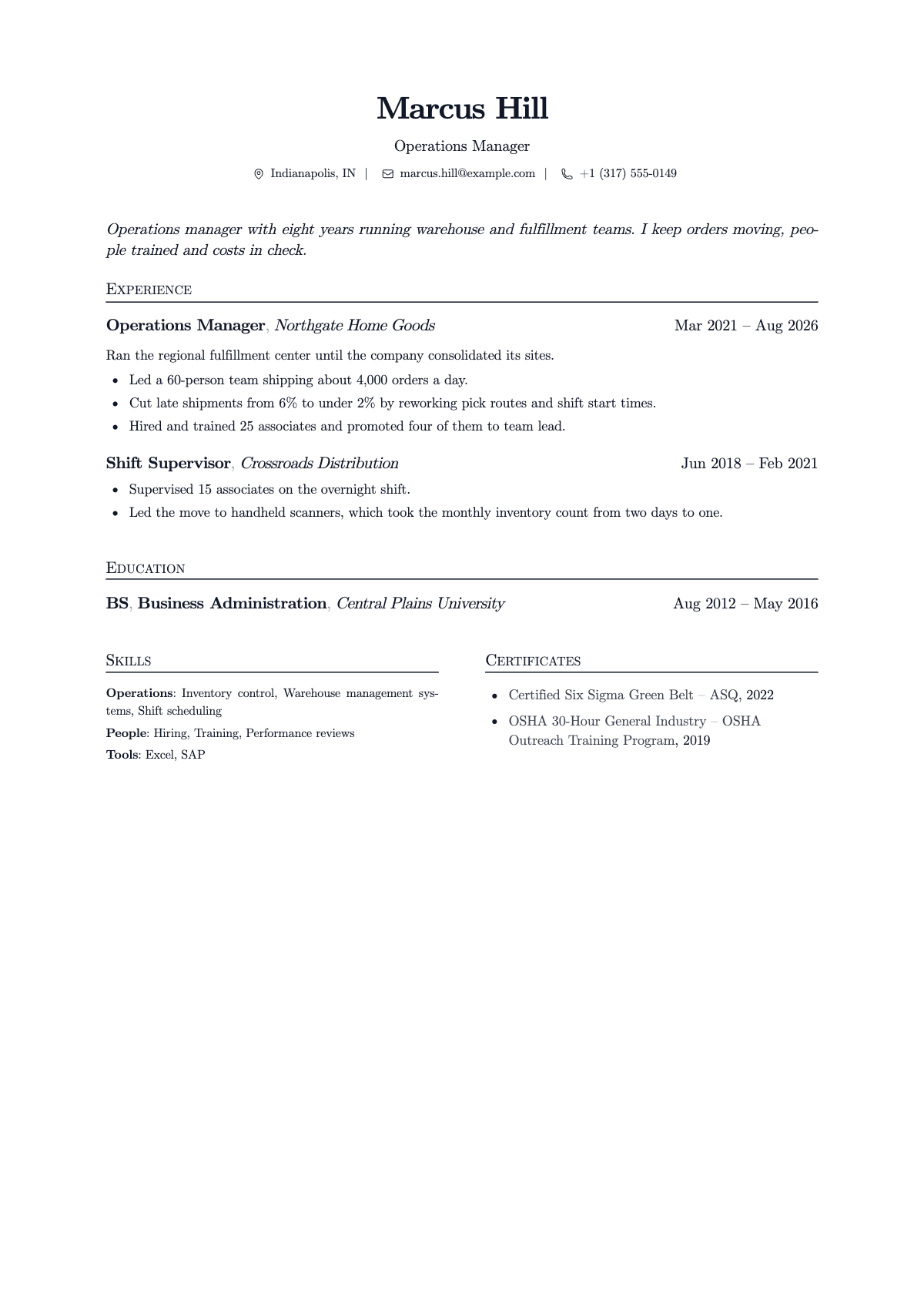
Start from the resume you have
You do not need to start over. Your old resume already has the jobs, schools and dates; most of the work is adding what is new and cutting what is stale. Open the last version you sent, or the PDF in your email, and work through the list below with it next to you.
The checklist: what goes stale
| What | How it goes stale | What to do |
|---|---|---|
| Your current job | It still says "present" for a job you left, or the new job is missing | Add the new job at the top. Give a job you left its end month and year |
| Dates | Years only, or gaps that are not explained anywhere | Use month and year for every job. A gap of a few months needs nothing; a long one can take one honest line |
| Objective | "Seeking a challenging position where I can grow" | Replace it with a two sentence summary: what you do and what you are looking for |
| Old jobs | Every job since your first, with five bullets each | Keep roughly the last 10 to 15 years. Shorten older roles to one line, or drop them |
| Achievements | Duties ("Responsible for scheduling") instead of results | Rewrite your top lines as what you did and what came of it |
| Skills | Software you no longer use, or tools you now use daily missing | Remove the old ones, add what the jobs you want ask for |
| Certificates | Expired, or new ones missing | Add new ones with their dates; remove any that have lapsed |
| Contact details | An old phone number, a work email, a full street address | Personal email and mobile number; city and state is enough |
| Extras | "References available upon request", a photo, hobbies with no link to the job | Cut them. Employers ask for references when they want them |
| Format | Two columns, text boxes, an old template, an old file name | One column, a clean template, saved as a PDF with your name in the file name |
Update your most recent job
This is the line a recruiter reads first, so give it the most care. Two to four lines, each starting with a verb, with the most impressive first. Use numbers you know and could explain in an interview.
If you were promoted at the same employer, list the company once and each title under it with its own dates. It shows the progress at a glance.
Rewrite the summary for the job you want next
The top of your resume should point forward, at the job you are applying for, not back at your career so far.
Two sentences is enough. Name the role you want; leave out words like "dynamic" and "results-driven".
Cut what no longer helps
An updated resume is usually shorter, not longer. Cut, in this order:
- Jobs from more than 10 to 15 years ago, unless they are directly relevant (see how far back a resume should go).
- Duties anyone in the role would have, such as "answered emails".
- Old software and skills nobody asks for any more.
- High school, once you have a degree or several years of work.
- A second page, unless you have well over ten years of relevant experience.
Put it on a current layout
If your resume was built in an old word processor template, the content may be fine and the layout may be what dates it: two columns, tables, small text boxes, a photo. A single column with clear headings is easier to read on any screen.
You can bring your current resume here as a PDF: it is read and laid out on a clean template, with your words kept, so you only edit what changed. Then download the new PDF.
Before you send it
- Every job has a month and year at both ends, or "Present" for the one you are in.
- Your email, phone and LinkedIn link work.
- Your summary names the kind of job you want now.
- Your LinkedIn profile says the same titles and dates.
- The file is a PDF called something like
Marcus-Hill-Resume.pdf.
Questions
How often should I update my resume?
Add each new job, promotion or big project when it happens, while you still remember the details. Then do a full pass with this checklist before you start applying.
Should I update my resume while I still have a job?
Yes. It is easier to write down results while they are fresh, and you will be ready if a recruiter calls or your situation changes.
How do I update my resume after a layoff?
Add the end date to your last job and, if you like, one line under it saying why the role ended, for example a site closure. Then update the rest with this checklist. A layoff is common and does not need explaining on the page.
Do I need to update my LinkedIn profile too?
Yes, so the two match. An employer may look at both, and different job titles or dates raise questions.
Can I update my resume without retyping it?
Yes. Bring your current resume as a PDF and it is read and laid out on a template, so you only edit what changed. A Word file needs saving as a PDF first.
Bring the resume you have
Importing, editing and downloading are free. Downloading the PDF needs a free account.
Applying to a specific job? Jobician, from the same team, tailors your resume to the posting and drafts the cover letter. See Jobician